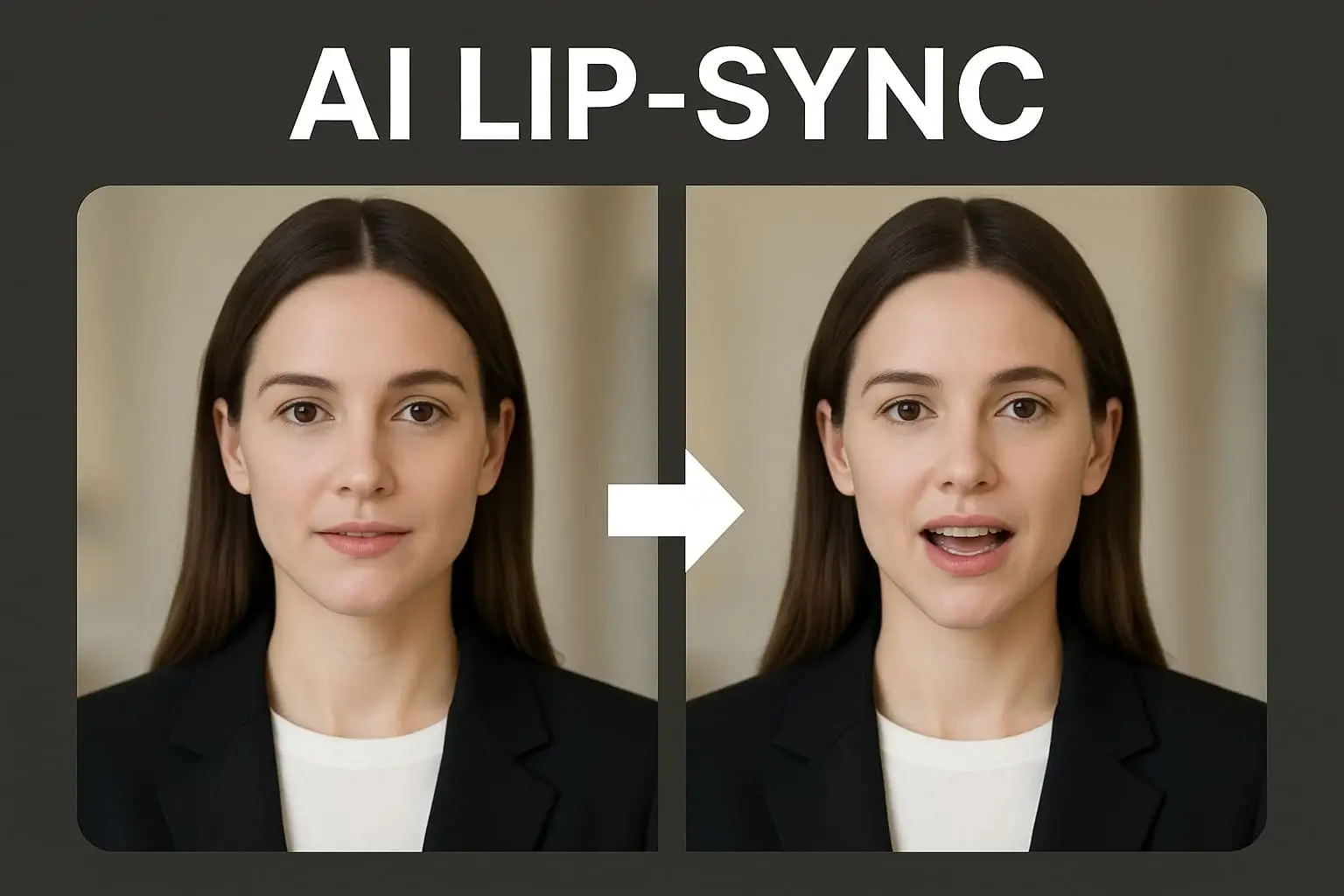
AI lip sync technology has improved a lot in the last few years. What once required manual effort and hours of hard work can now be done in just a few minutes. All this is possible with the help of AI now. These AI tools accurately match speech with the facial expressions and lip movements, and the results look surprisingly real, almost like a real person talking.
I spent some time testing some of the best lip sync tools in the market, and I shortlisted some of the best AI lip sync tool free options for you all. Usually, these types of lip sync tools come with features like flawless mouth movements, multiple language support, talking photos, and it also works with other video creation tools. Here are some tools worth trying out:
Best AI Lip Sync Tool Free
Table of Contents
1. Magic Hour
Magic Hour is one of the best AI lip sync tool free available in the market. With some realistic lip syncing features, this tool also lets you combine talking pictures, photos, image generation, video creation, face swap, and many other features in one tool. Users can test the platform without making an account. If you want all in one ai content creation tool, I will definitely recommend this too because of its excellent capabilities.
| Pros | Cons |
| Users can test the tool without signing up. | Advanced plans can be costly |
| Users will get high-quality lip sync | It may take some time to explore all the features. |
| Advanced video creation for creators | |
| Create talking photos and videos | |
| Users can render videos quickly |
Pricing: Free; Creator $15/month ($10/month annually); Pro $39/month.
2. HeyGen
HeyGen is the platform that i tested by creating professional videos with digital avatars. I just wrote a script, chose an avatar, and the platform automatically generated a video with natural lip-sync and expressions. I will definitely recommend this platform to someone who is creating marketing, explainer, and training videos. You will get a mature avatar system, an easy-to-learn interface, and faster rendering for your production. You don’t need a Camera and editing skills, you just need this one tool, and you’re good to go.
| Pros | Cons |
| You can experiment with realistic avatars | Limited free plan usage |
| You get multiple voice options | Higher and advanced plans can be costly. |
| Anyone can easily learn the dashboard |
Pricing: Free trial available. Paid plans will start from $29 and will vary based on requirements.
- D-ID
D-ID help a photo turn into a talking video. If you just have a single portrait and you want to turn it into a speaking video with minimal setup, D-ID remains one of the easiest tools to evaluate. If you want to make your single image into a convincing talking video, D-ID will be the best user-friendly option. For me personally, it is a very simple and useful tool when I want to create talking videos without any complex editing.
| Pros | Cons |
| Users will get stronger image animation features. | The only thing I disliked is that there are fewer editing and production features than broader video platforms. |
| Quick setup | |
| API availability to stronger creations |
Pricing: Free trial available; paid plans start from approximately $5.90/month.
4. Synthesia
Synthesia is still the best AI lip sync tool free for creating professional training, onboarding, and multilingual communication videos. The tool is the best choice for corporates and enterprise-level training. I will recommend this tool to organizations looking for corporate training materials, compliance videos, or internal communications.
| Pros | Cons |
| You can choose from realistic AI avatars | I find it to be more costly that other creator-focused alternatives. |
| Users will get numerous languages and accents | Limited creative flexibility |
| You get better security and enterprise controls | |
| I liked it’s script-to-video workflow feature the most. |
Pricing: Paid plans start from approximately $29/month.
- Runway — Best for Advanced AI Video Workflows
Runway is not primarily a lip-sync product. From what I noticed, I feel many creators use it because it sits at the center of many AI video pipelines. It can be a very useful tool for you if you are already working with AI generation videos, composition and need this tool for more advanced capabilities. I feel it is best suited for people who already understand AI video generation, a bit, but need more creative controls then they should definitely go with this one.
| Pros | Cons |
| After testing multiple times, I can say it has the best advanced AI video generation capabilities. | It can be a little bit difficult for beginners to learn. |
| You get regular feature updates. | Costs can increase with advanced features. |
| It offers highly flexible creative workflows | |
| Strong editing and visual effects capabilities (my personal favorite) |
Pricing: Free plan available. Paid plans start from approximately $15/month.
How I Chose These Tools
Here is how I tested the best AI lip sync tool free:
- I tested for lip-sync accuracy and facial realistic features.
- I looked for video quality and rendering.
- Checked for usage capabilities for newbies and experienced.
- I checked for the plans.
- I also evaluated the talking-photo and AI avatar capabilities.
- Checked for different personas of users.
People’s usage of Lip Sync Tools in 2026
In 2026, the video space for lip syncing videos is expected to be very expansive, with steady growth of new video tools. It’s not uncommon to see talking photos or digital influencers on social media. It’s also easier and faster to create videos since these tools now have lip sync and basic editing together in one place.
Meanwhile, there are now more free and browser-based tools available that people can use without the need to install heavy software and technical skills. For instance, paid plans are also getting more affordable and provide better features and results. There are a lot of companies that are now taking advantage of the digital presenters to save time and money, either for training, marketing or communicating with the staff.
Speed of rendering is also significant and companies are working to increase speed and video quality. The industry as a whole is progressing towards making videos easier and quicker.
Final Takeaway
There will be no one tool that will match your workflow requirements. Magic Hour is the best AI lip sync tool free for creators if you are looking for a feature-rich platform. My recommendation is to test two or three tools before you make any decision. Most tools offer users free access, so test basic results and find the solution that matches your workflow.
FAQs
Q1. What is the best AI lip sync tool free in 2026?
Magic Hour can be your stronger free option, as you will find everything from lip syncing, talking photos, generous free access, and broader AI content creation tools.
Q2. Can AI lip sync tools also animate photos?
Yes. You will find many platform can make a single image into a speaking video using audio or text input.
Q3. Do AI lip sync tools support multiple languages?
Many tools will offer you multiple language support with different accents. But the quality can vary based on providers.